Print a test page.Know your next step.
Check colours, text and alignment with a free printer test page. Pick a test, print one sheet, and see what needs attention.
Let’s see how it prints.
One sheet is a good place to start.
Use normal print quality and portrait orientation. Turn off browser headers and footers.
Opens your browser’s print dialog.
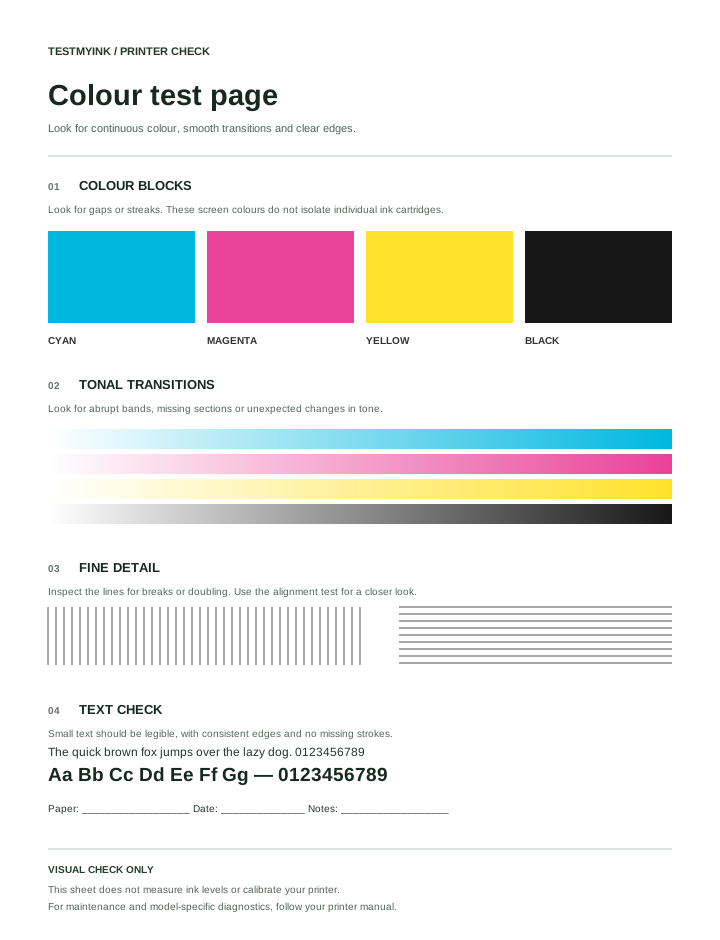
Colour blocks, gradients and fine detail in one general print check.
For inkjet and laser printers
Your browser handles printing. No document upload.
A little clarity, on paper.
Start with the pattern that matches what you want to check.
Three steps. One useful check.
Choose your test
Pick colour, black and white, or alignment. Match the paper size to the sheets in your tray.
Print a single page
Use portrait orientation and normal quality. Switch off browser headers and footers in the print dialog.
Read the result
Compare the sheet with the pattern, then use our guides to decide what to check next.
Make sense of your print.
Prints showing lines or streaks?
Separate a document issue from a printer issue.
Colours looking faded?
Check settings and supplies before running maintenance.
Getting a blank page?
Work through the basic checks in a sensible order.
Not sure how to print a test page?
Choose between a browser test and a built-in printer test.
Before you press print.
What these patterns can tell you—and where your printer’s own tools come in.
Is this printer test page free?
Yes. The tests are free to use without an account. Your browser opens its own print dialog so you can select a printer or save the page as a PDF.
Does it work with my printer?
If your device can print from this browser, it can print these patterns. Available paper sizes and quality settings depend on your printer and driver. For model-specific diagnostics, use the manufacturer’s built-in tests.
Can a test page fix my printer?
No. A pattern can show visible symptoms, but it cannot clean a printhead, read ink levels or calibrate a printer. Use the printer’s own maintenance tools and manual for those tasks.
Why do printed colours look different from my screen?
Screens emit light; printed pages reflect it. Paper, ink or toner, driver settings, profiles and room lighting all affect appearance. This pattern is a general visual check, not a colour-accurate proof.
Can I save the pattern as a PDF?
Choose “Save as PDF” in the tool, then select the PDF option in your browser or operating system’s print dialog, if available. Match A4 or US Letter and turn off headers and footers.
Which printer test page should I use?
A printer test is most useful when the pattern matches the problem. Use the colour printer test page for missing colours and uneven fills, the black-and-white printer test for text and grayscale, or the alignment test page for doubled edges and interrupted lines.
What is a test printing page?
A test printing page is a sample document containing predictable text, lines or colour areas. Printing it gives you a repeatable reference when an ordinary document looks wrong. A browser test page includes the effects of the application and driver; a diagnostic report generated by the printer helps you compare a different printing path.
For a useful before-and-after comparison, keep the same paper, pattern and print settings, then change one thing. Record the result on the back of the sheet. See how to print a test page for the workflow or choose a symptom in our printer troubleshooting guides.